

A simple space for exploring and creating
MieTsumi is a 3D block-building app for iPhone and iPad. Set the height of each stack to build a model, then rotate it freely or switch to a fixed viewing direction.
Use it to explore blocks hidden behind other blocks, compare how a model looks from different directions, count vertical stacks, or create colorful structures that never slip or fall over.
The interface follows the device’s preferred language and is available in English and Japanese.
Find the block you cannot see
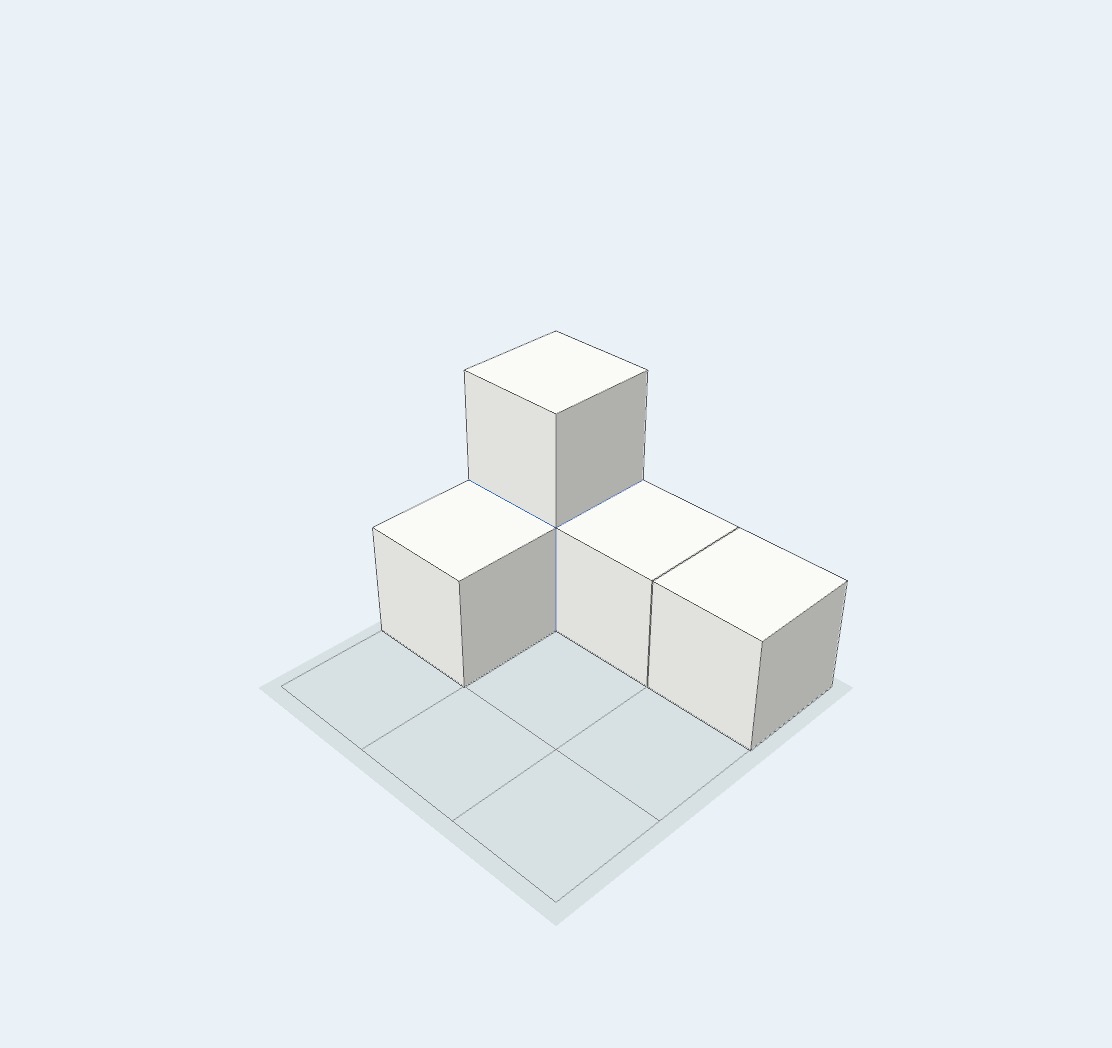
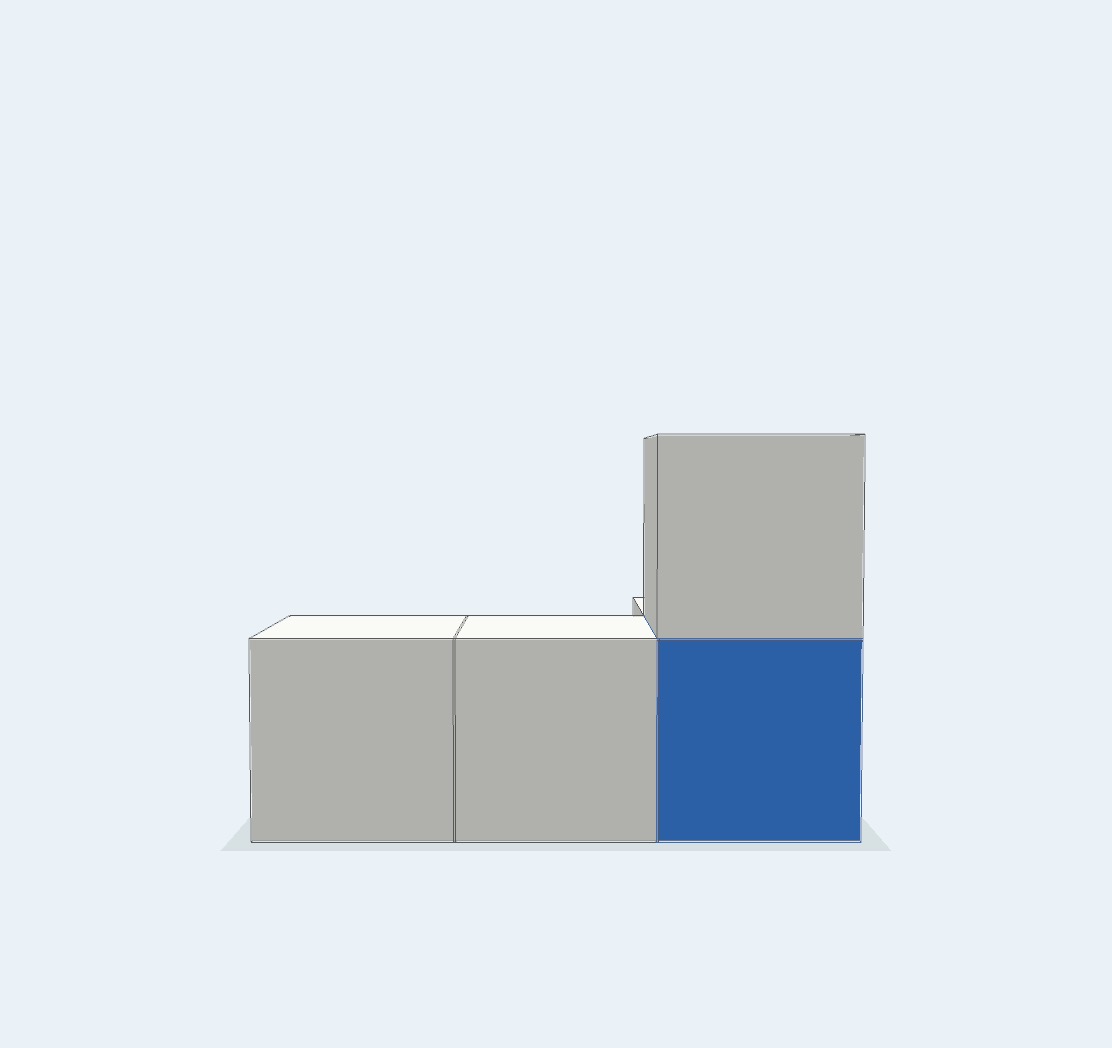
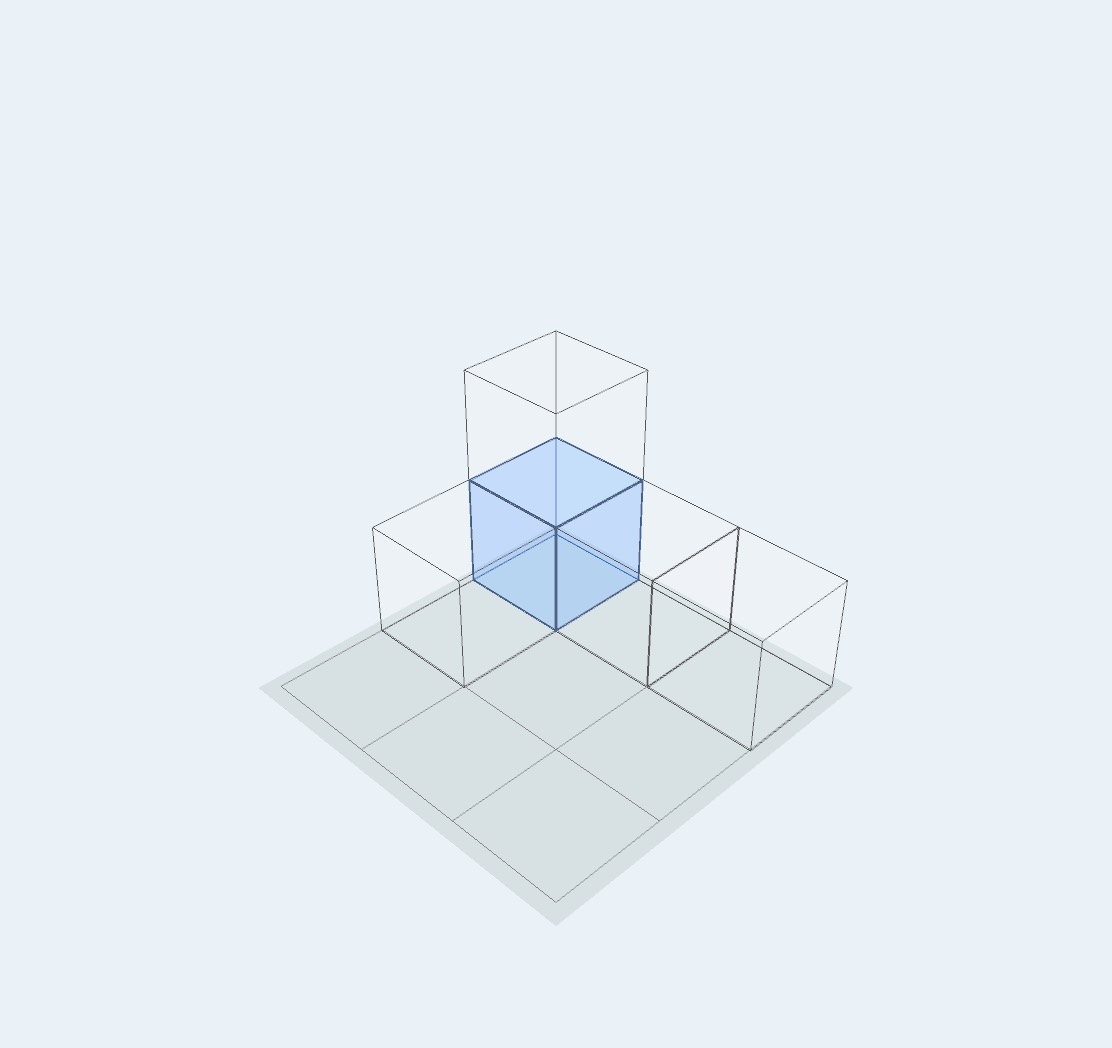
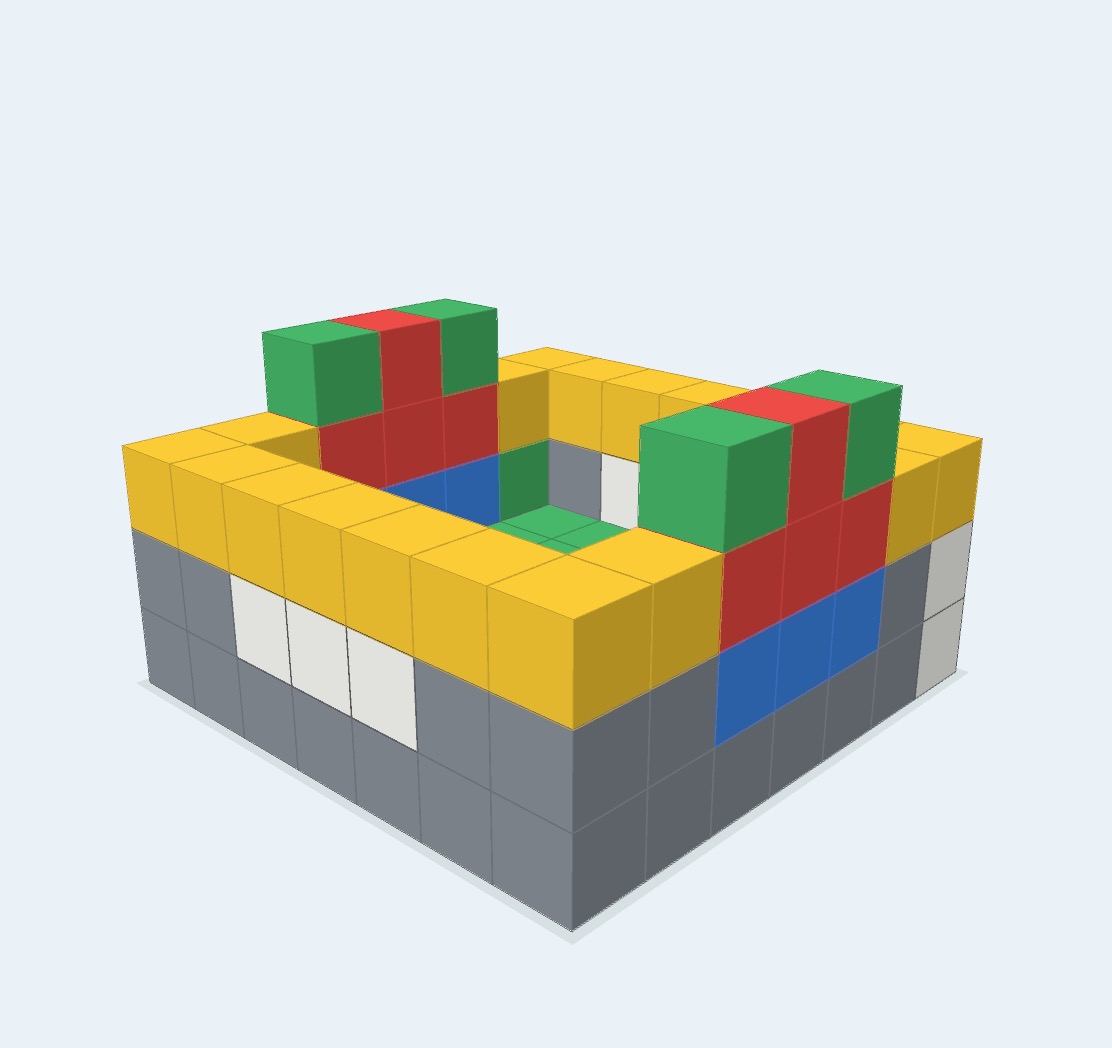
The model below contains five blocks. Only four are visible from the first angle because a blue block is hidden beneath the upper white block.
Switch to Back to reveal it, or use Wire to inspect the same position from the original angle.
Ways to explore a model
Look behind and inside
Rotate the model, make its faces translucent with See-through, or focus on its outlines with Wire.
Compare viewing directions
Move freely, or switch directly to Angle, Front, Left, Right, Back, and Top to compare the model from consistent directions.
Use color as a marker
Color a block to follow it from one viewpoint to another, explain a hidden position, or organize parts of a model.
Count by vertical stacks
The Antenna displays one line for each block in a vertical stack, providing another way to work out the total.
Compare light and shadow
In the Full Version, move the light source and observe how each shadow extends away from it.
Build freely without blocks falling over
A virtual building area makes it easy to use more blocks than may be practical to keep at home, add color without painting physical blocks, and build stable models without pieces shifting or collapsing.
The Full Version adds 5×5×5 and 7×7×7 building areas, more colors, and the ability to save a clean image of a creation to the photo library.
Support information
User Guide
Learn how to build, move, color, inspect, and save a model.
Read the user guide →Learning with MieTsumi
Explore hidden blocks, counting, viewpoints, color, and light and shadow.
Explore learning activities →Free and Full Versions
Compare the core exploration tools with the creative and saving features added by the Full Version.
Compare versions →Privacy Policy
Read how the app handles model data, photos, purchases, and support messages.
Read the privacy policy →Frequently asked questions
Does MieTsumi include lessons or automatic scoring?
No. MieTsumi is an open-ended tool for building and examining models. It does not provide problem sets, answers, or automatic scoring.
Is MieTsumi a replacement for physical blocks?
No. Physical blocks provide valuable hands-on experience. MieTsumi complements them with free rotation, fixed viewpoints, See-through, and Wire.
What is the difference between See-through and Wire?
See-through makes block faces translucent. Wire focuses on outlines. Both help reveal hidden blocks and overlaps.
What is the Antenna?
It is a counting aid. Lines appear above each vertical stack, and the number of lines matches the number of blocks in that stack.
What can I use in the Free Version?
The Free Version includes 3×3×3, basic colors, rotation and zoom, fixed viewpoints, Normal, See-through, Wire, the total count, and the Antenna. See Free and Full Versions for details.
Does MieTsumi require an internet connection?
Building and exploring models generally does not require one. Purchasing, restoring a purchase, and opening support pages may require a connection.
Where are saved images stored?
In the Full Version, Photo saves an image to the device’s photo library. The image is not sent to the developer.
Does MieTsumi collect usage data?
MieTsumi does not use advertising, behavioral analytics, user accounts, or location collection. See the Privacy Policy for details.
Which devices and languages are supported?
MieTsumi supports iPhone and iPad running iOS or iPadOS 15 or later. The interface is available in English and Japanese.
Contact
For help with a bug, purchase, or use of MieTsumi, contact:
When reporting a problem, include the following when possible:
- Device model
- iOS or iPadOS version
- MieTsumi version
- Steps leading to the problem
- A screenshot of the screen
Do not send personal information or images showing other people.